Virtual Reality: Night At The Museum
Introduction
Night at the Museum is a VR application developed as a part of the Udacity Virtual Reality Nanodegree program. The main aim of this project was to explore the virtual reality industry and research the various uses of virtual reality.
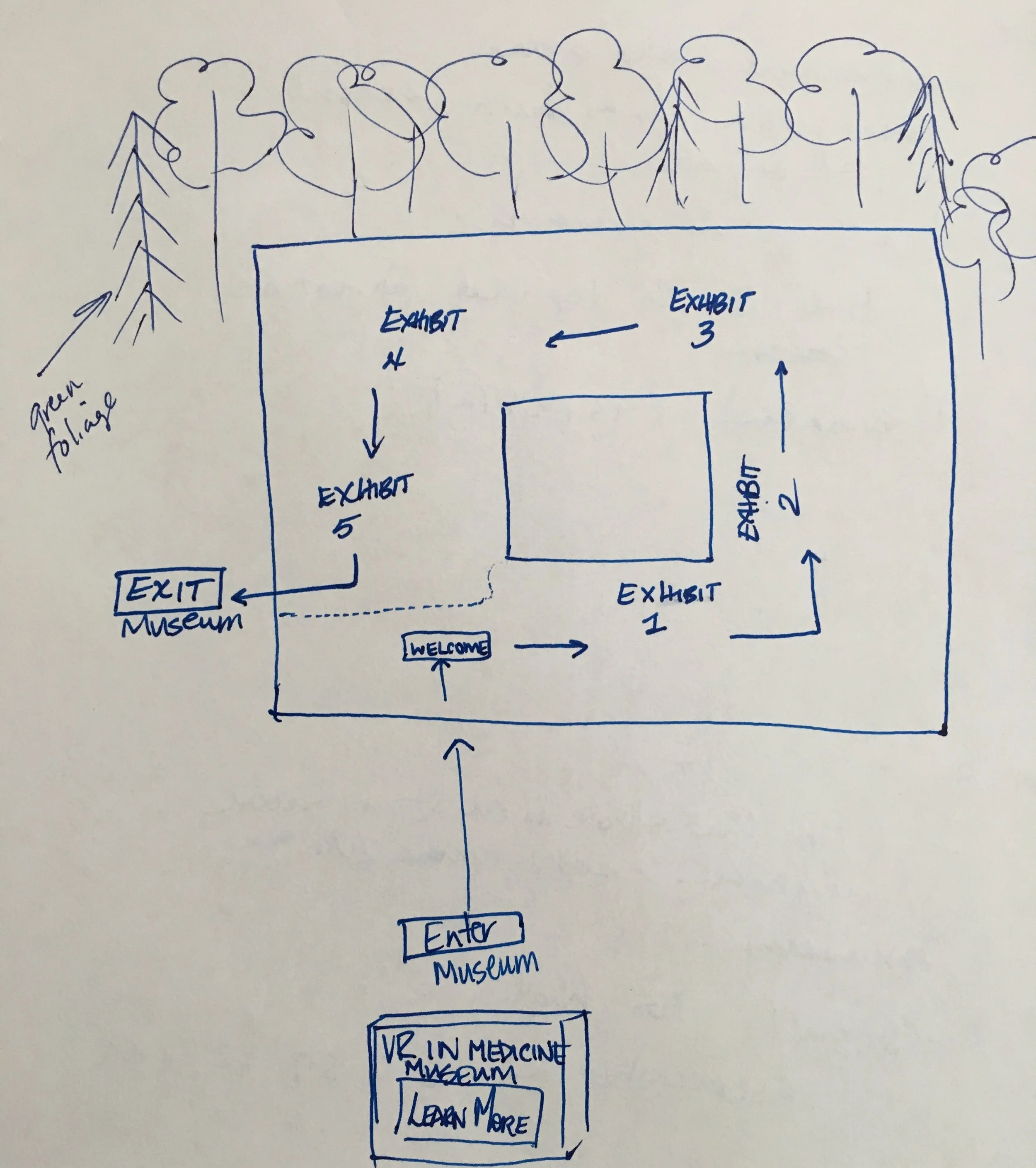
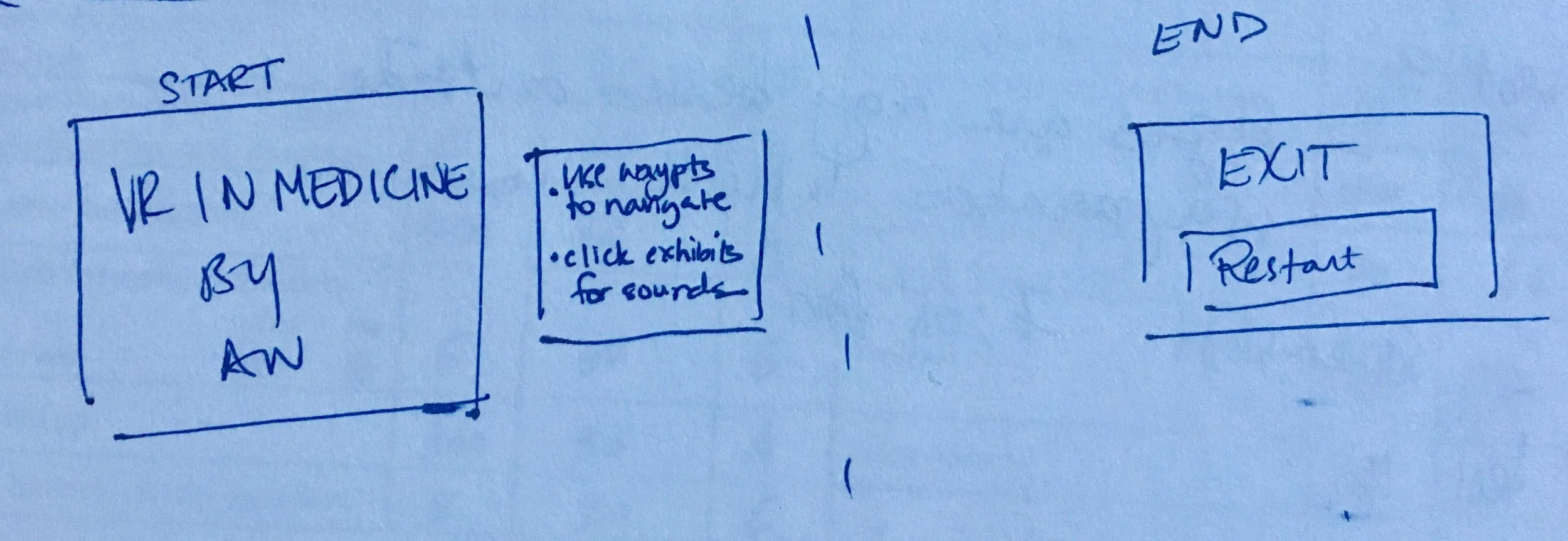
This museum scene is set in a park environment in a futuristic square building. The player reads the initial instructions at the “start” screen and uses waypoints to move around the museum. Each station has an information console along with an associated floating image or 3D character. As the player moves through the museum, the center consoles or projector units can be clicked to play simple sound effects. View one successful completion of The Night at the Museum scene below.
Process Steps
Statement of Purpose:
Night at the Museum is for new VR users. It informs them on ways that virtual reality can be utilized in the medical and healthcare industry.
Puzzler User Persona:

Nima, 35, Doctor
Nima is a hard working doctor that enjoys keeping up with advanced technology to help further her skills and career. She has briefly experienced VR games using Google Cardboard once or twice, but is generally new to the VR world. Nima is looking forward to learning more about how VR can be used in the healthcare industry.
Sketches:
Initial drawings of the layout, environment, and start/finish UI screens.
User Testing
Round One: Scale, Placement of Game Objects, and Start Screen
User Tester 1: "The environment looks a little weird. Are we in a desert? The start sign is crooked and I can't click start"
User Tester 2: "Cannot enter the museum, the navigation cubes are not working."
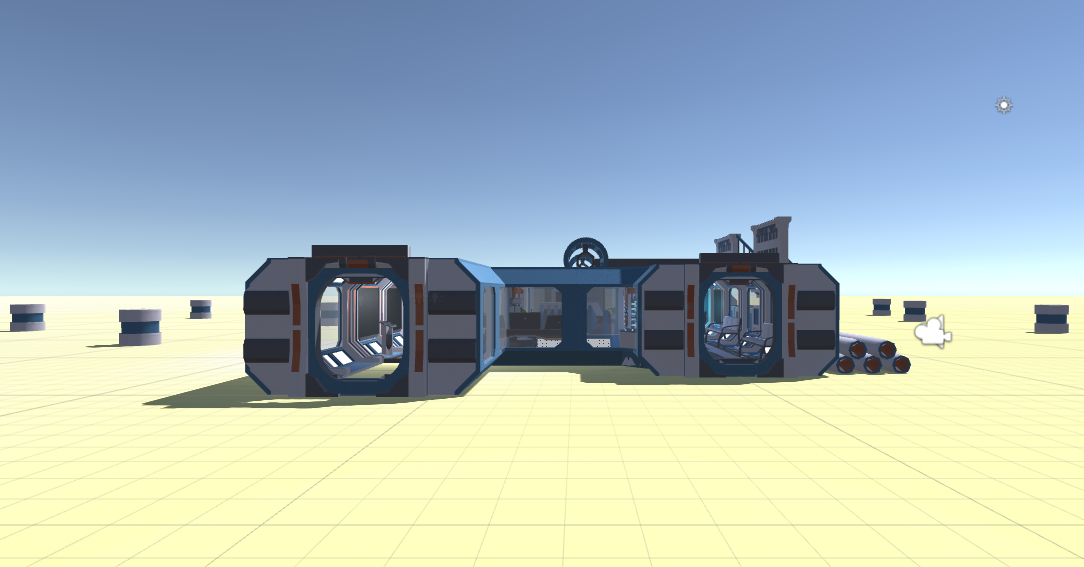
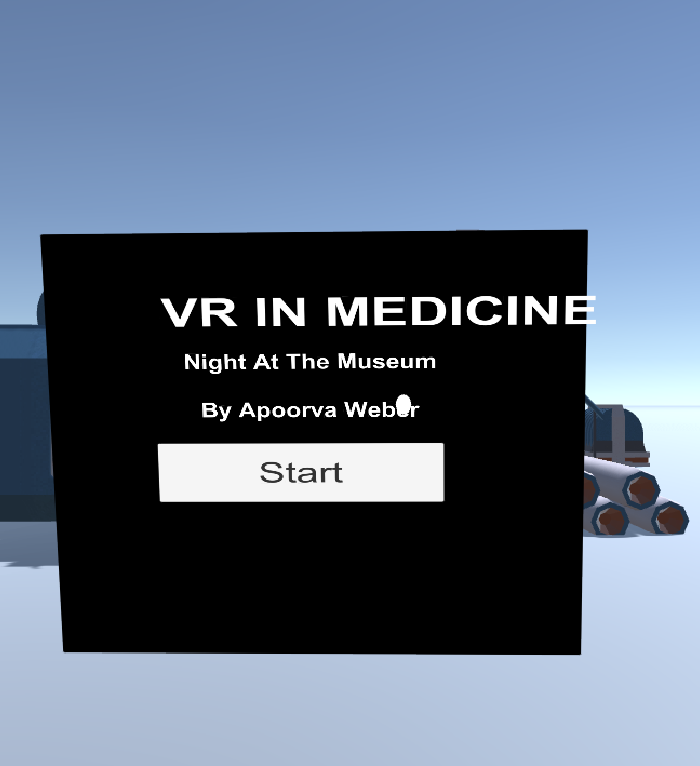
After reviewing the feedback from round one, I fixed the start screen and added the foliage environment to the game. I also added a second start screen to display instructions to the viewer.
Round Two: Movement & Mechanics
User Tester 1: "I like that there is no start button anymore. It looks more like a museum to walk into, rather than a game to play.”
User Tester 2: "The start sign is way too high. But, the waypoints are working!"
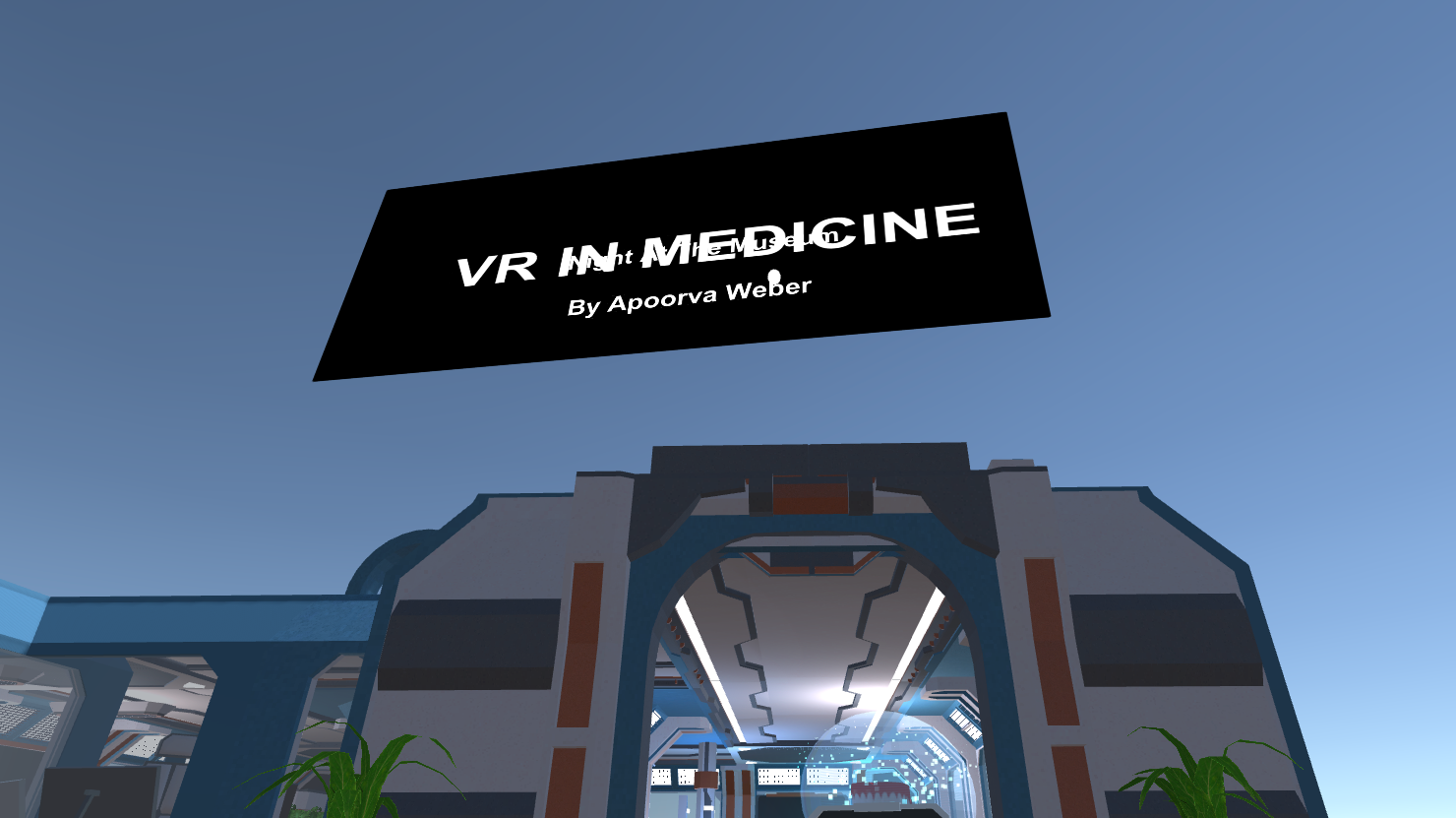
After reviewing the feedback from round two, I fixed the start UI, and added a dark green mask to the environment plant to match the environment. I also fixed the lighting for the scene, placements of waypoints
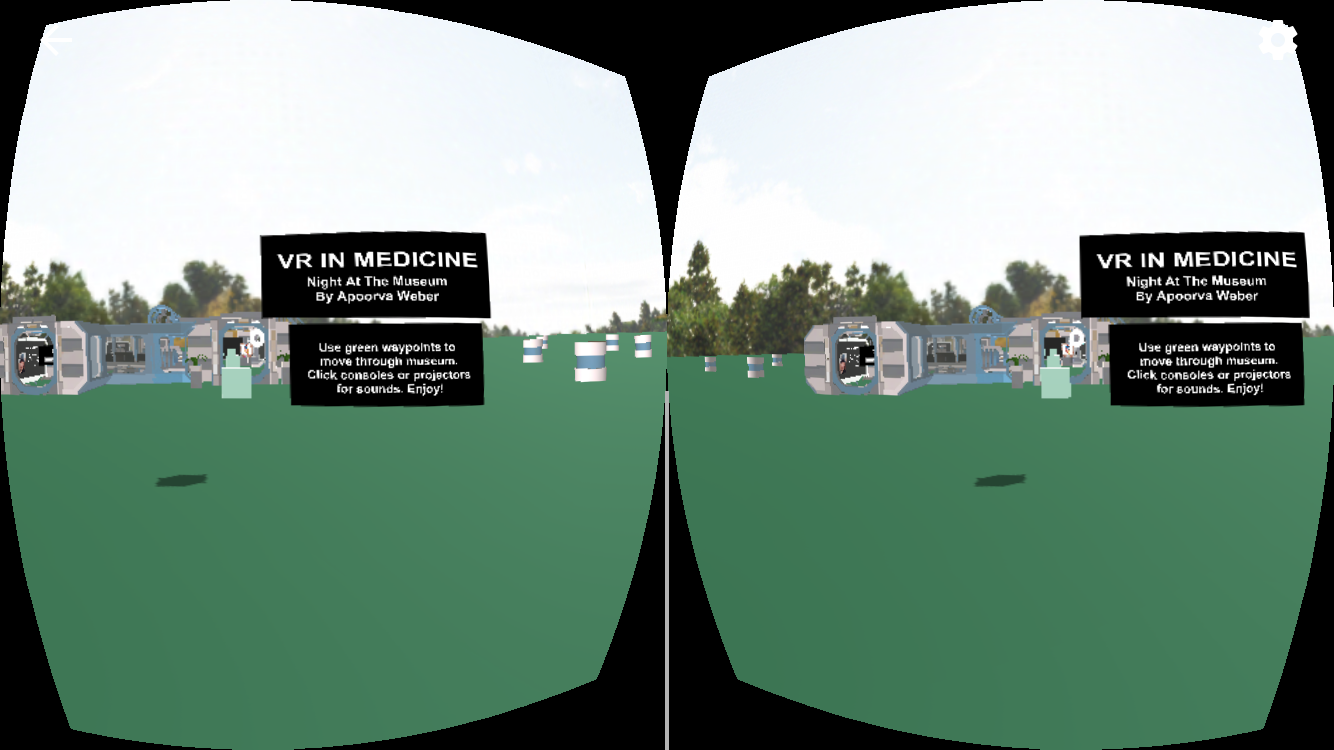
Round Three: Final Touches
User Tester 1: "The waypoints at the end are a little off. Maybe delete one waypoint?"
User Tester 2: "The text on some of the exhibits are very close to me. Maybe decrease the size of the console a little bit?"
After reviewing the feedback from round three, I fixed the waypoints at the end of the game, as well as decreased the size of a couple consoles.
Breakdown of Final Museum Scene
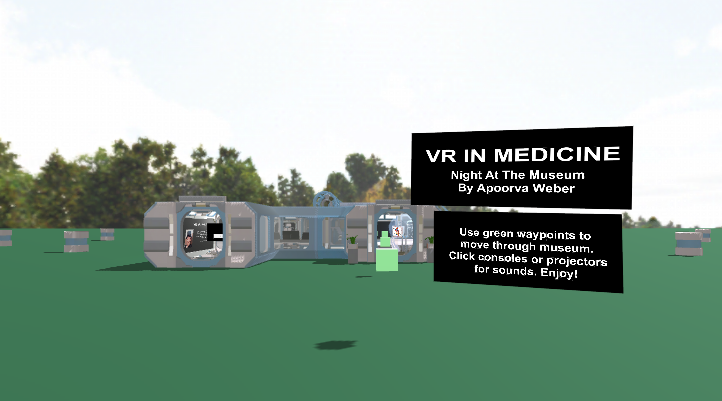
Start:
At the beginning, there is a view of the park environment and instructions and waypoints in front of the museum. There is ambient background noises at start. The start screen is clear and readable to the player.
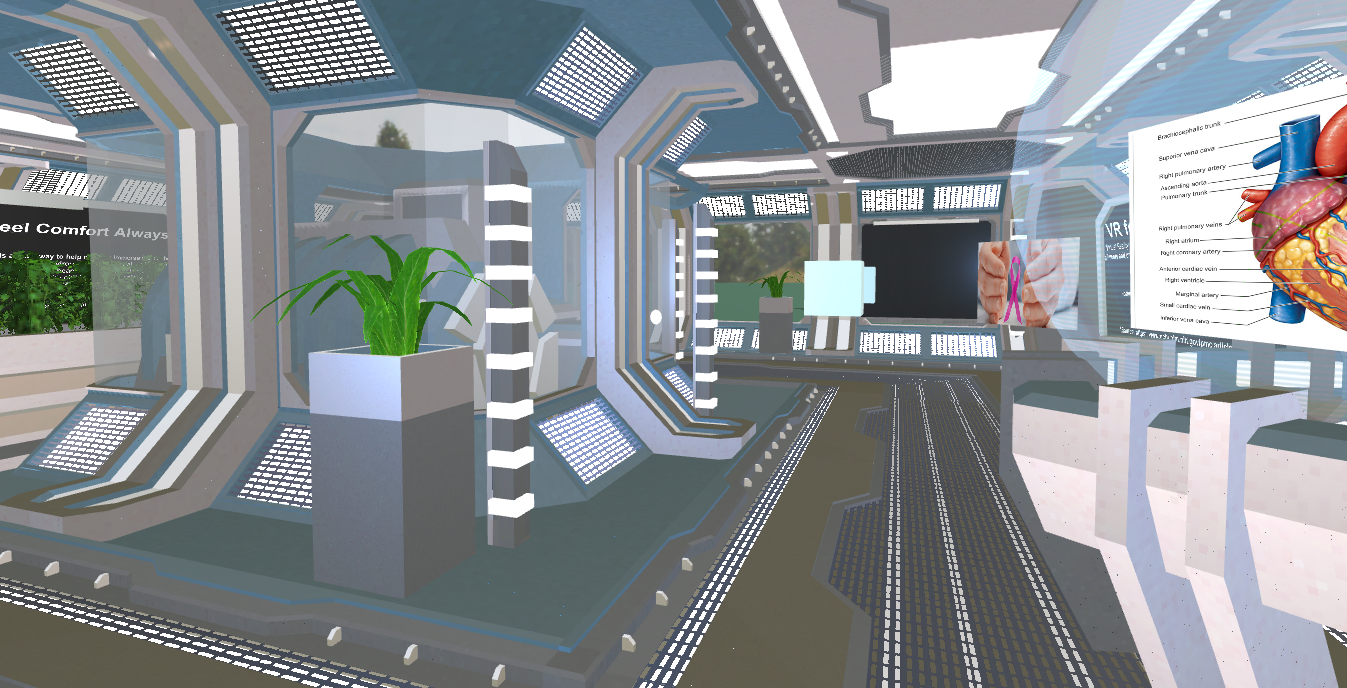
Museum:
Once you enter the museum, it's well lit and is decorated nicely with some futuristic design elements. There are 5 stations that explain VR uses in the medical and healthcare industry. Each station has a sound effect when you click on the console or the projectors.
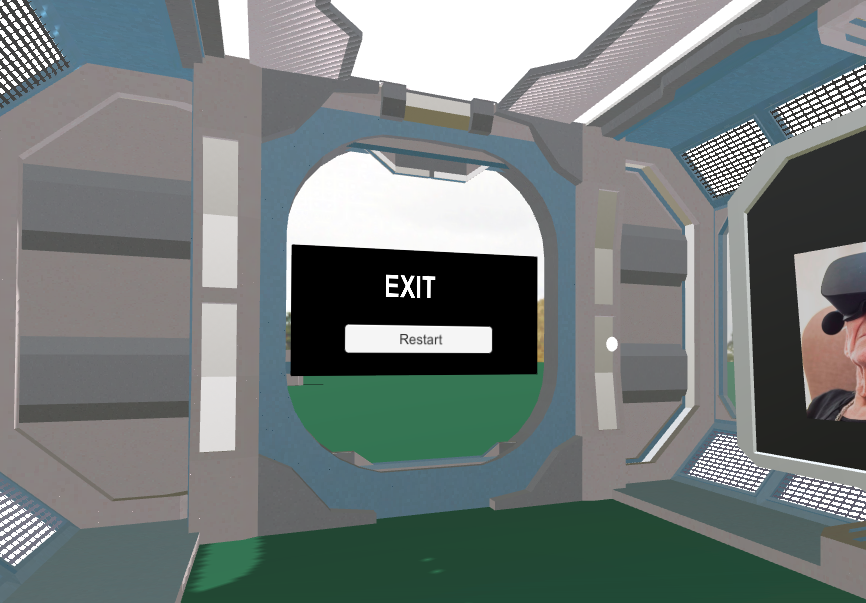
End/Restart:
The end of the museum shows an exit sign with a button that restarts the scene. The viewer cannot move out of the museum via waypoints after the fifth exhibit. The only option is to restart the scene to exit.
Next Steps & Conclusion
In conclusion, this project was a good way to explore the virtual reality industry and use developer skills simultaneously. For this scene, I explored the unity asset store and used free 3D models and environments to enhance the museum experience. During development, the scale of exhibitions and signs were difficult to gauge. Also, user testing was performed in three major rounds, but truly needs many more iterations before releasing as a potential product. In addition, the waypoint placements at each station looks different to users, so getting that right was also a little tricky. Overall, the museum is a smooth experience and informative to the interested viewer! The most important success factor in virtual reality development is performing multiple iteration testing of the application. This is the only way to eliminate simulator sickness and develop a great end product.
Information Sources:
Museum Stall 1: UCSF News Center Information & Image
Museum Stall 2: NIH Information & Image
Museum Stall 3: Vice News Center & Image
Museum Stall 4: Image & Unity Asset Store
Museum Stall 5: Vice News Center


