Virtual Reality: Puzzler
Introduction
Puzzler is a simple VR puzzle game developed as a part of the Udacity Virtual Reality Nanodegree program. The main aim of this project was to learn the importance of user testing and iteration, as well as the typical lifecycle for developing a VR application.
Puzzler is set in an abandoned dungeon in the middle of a fantasy rainbow mountain landscape. The player presses the “start” button and is transported into the dungeon. The orbs play in a pattern and it is the player’s job to mimic the pattern to win the game. Once the simple puzzle is solved, the player is led to a “restart” button to play again. View one successful completion of Puzzler below.

Puzzler Project for Udacity Virtual Reality Developer Nanodegree.
Process Steps
Statement of Purpose:
Puzzler is for new VR users. It challenges them to solve a familiar kind of puzzle in a new and interactive way.
Puzzler User Persona:
Nima, 35, Doctor
Nima is a hard working doctor that plays simple games to relax after tough days on the job. Nima loves keeping up with advanced technology and has tried various video games before. She has briefly experienced using Google Cardboard once or twice, but is generally new to VR games. Nima enjoys puzzles and is looking forward to learning more about the VR world!
Sketches:
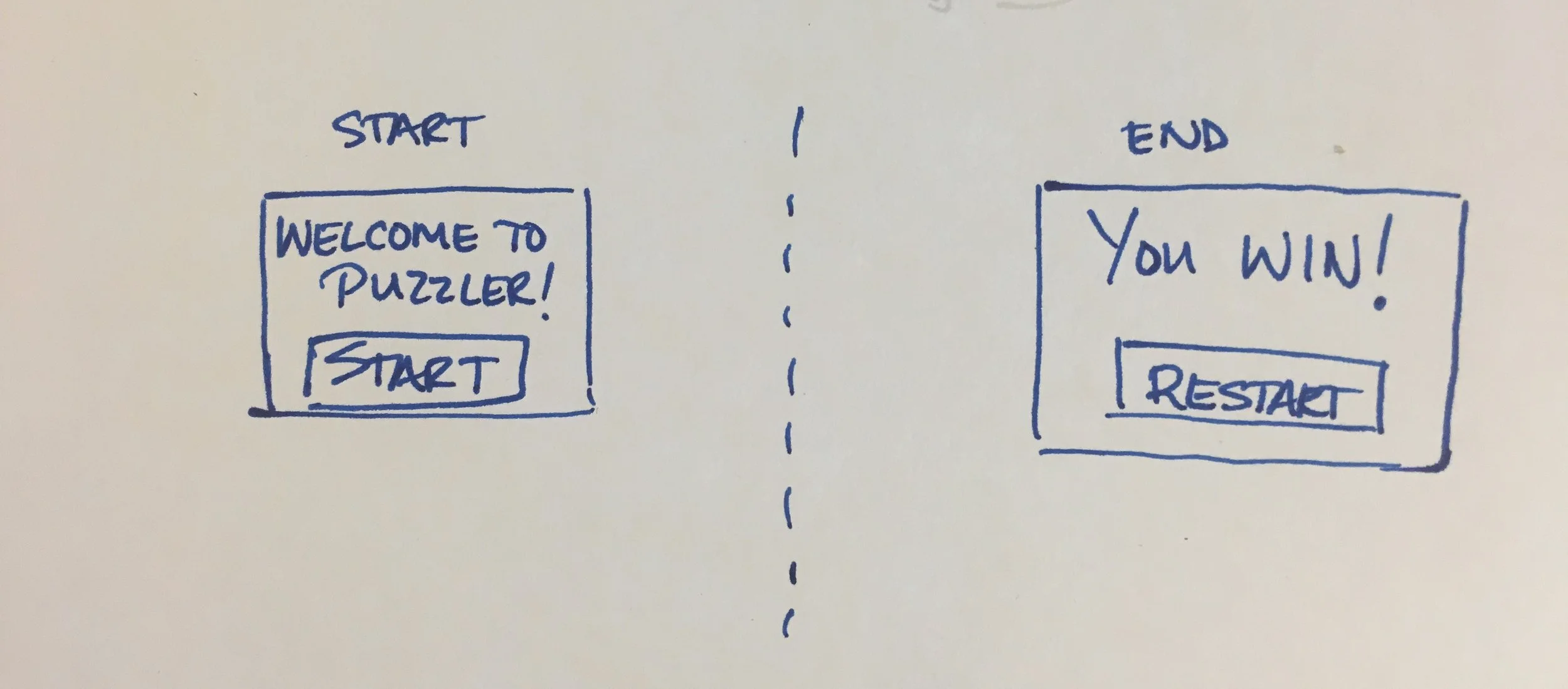
Initial drawings of the layout, environment, and start/finish UI screens.

User Testing
Round One: Scale, Placement of Game Objects, and Overall Mood
User Tester 1: "There's nothing but this dungeon in here?”
User Tester 2: "Start sign is way too close for comfort!"
Other Feedback From Users:
- Camera is facing a different direction than intended at start.
- One barrel is floating.
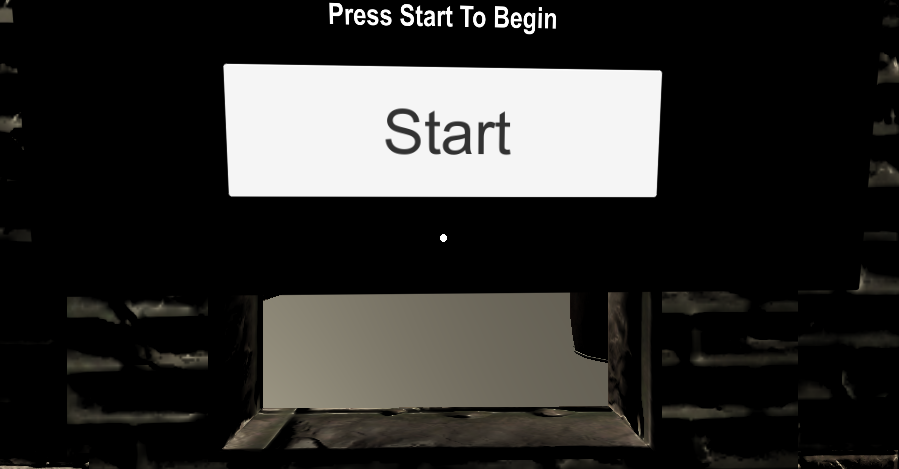
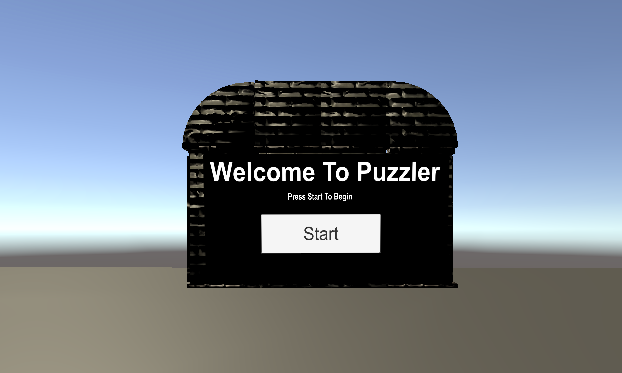
After reviewing the feedback from round one, I fixed the start screen and added the mountain environment to the game. I also added a rainbow texture to the mountains for fun.
Round Two: Movement & Mechanics
User Tester 1: "When I click the play button it goes straight to the exit and I have to turn around to play the orbs.”
User Tester 2: "The orbs are in a weird placement. The tie dye environment is really bright, it's almost distracting."
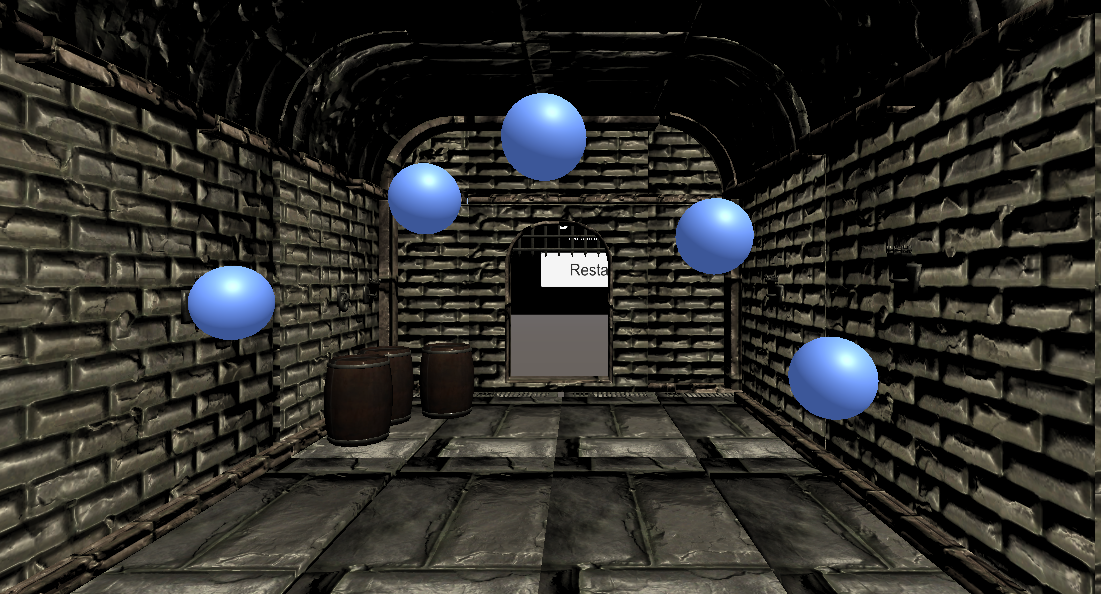
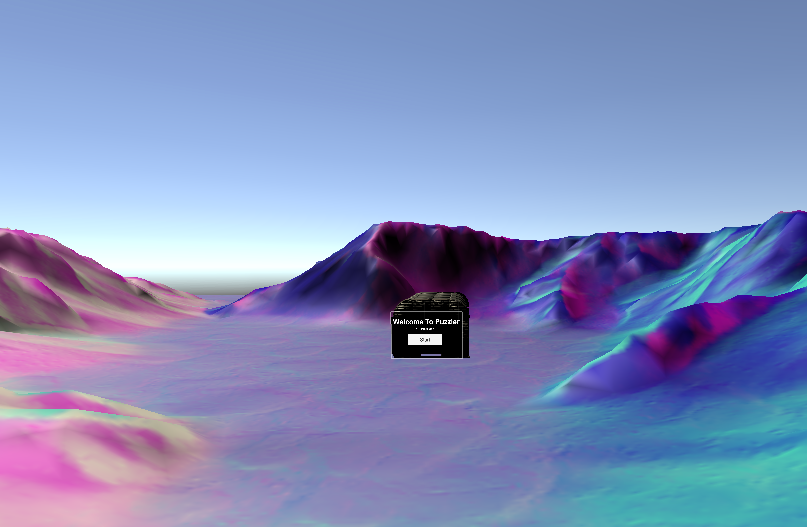
After reviewing the feedback from round two, I fixed the orbs placement, the start button & UI, and added a dark grey layer mask to the mountain environment to subdue the colors a bit.
Round Three: Final Touches
User Tester 1: "The end screen is really close to me.”
User Tester 2: "The environment looks way better. The only change I would make would be to move the start UI a little further back from the start button, so you can look around the environment a little easier."
After reviewing the feedback from round three, I fixed the camera to start a little further back from the dungeon at the start screen and moved the restart screen further out away from the exit.
Breakdown of Final Puzzler
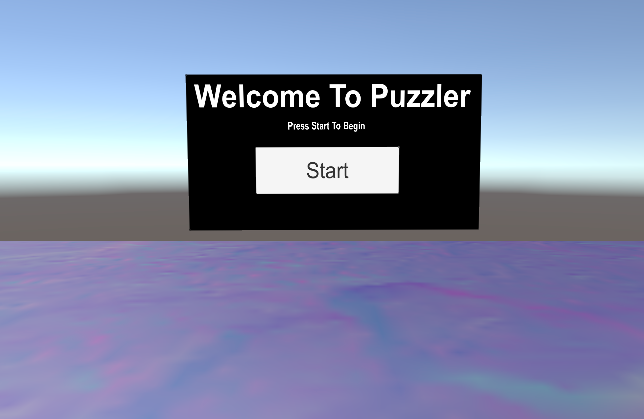
Start:
At the very beginning, there is a brief view of the rainbow environment around you along with the start sign right in front of you. There is ambient background noises that are not too loud and add a nice ambiance to the scene.
"Wow. Cool colored landscape- it's not too overpowering. The start screen is clear and readable."
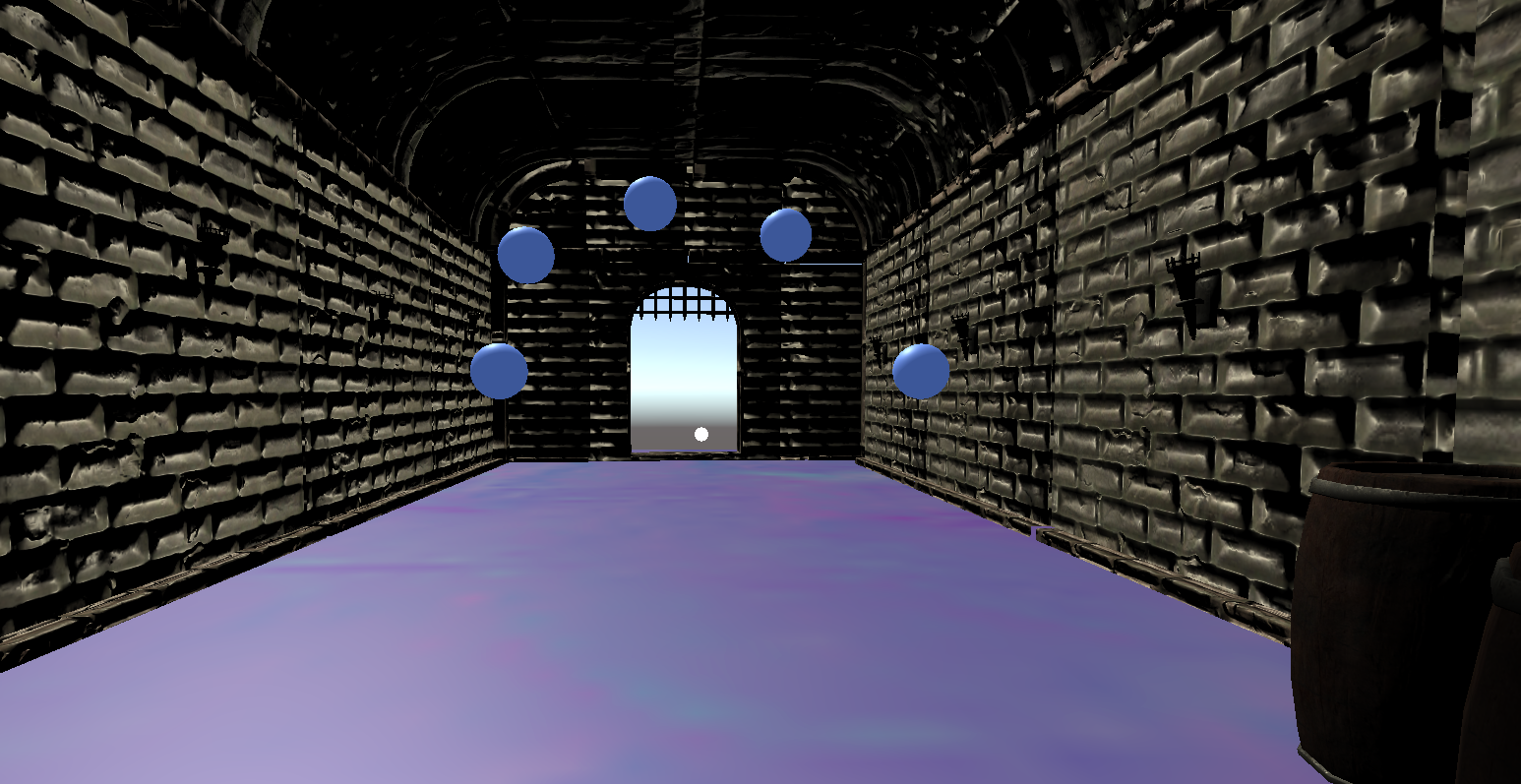
Dungeon:
Once you enter the dungeon, it's dark, gloomy and pretty empty. There are a few barrels in the corner and the orbs start playing the pattern soon after you enter.
"The ominous sound effects in the dungeon are awesome. You don't expect the gloomy dungeon when you first enter the game. The orbs are programmed to make different patterns every time you enter the dungeon?" (yes!)
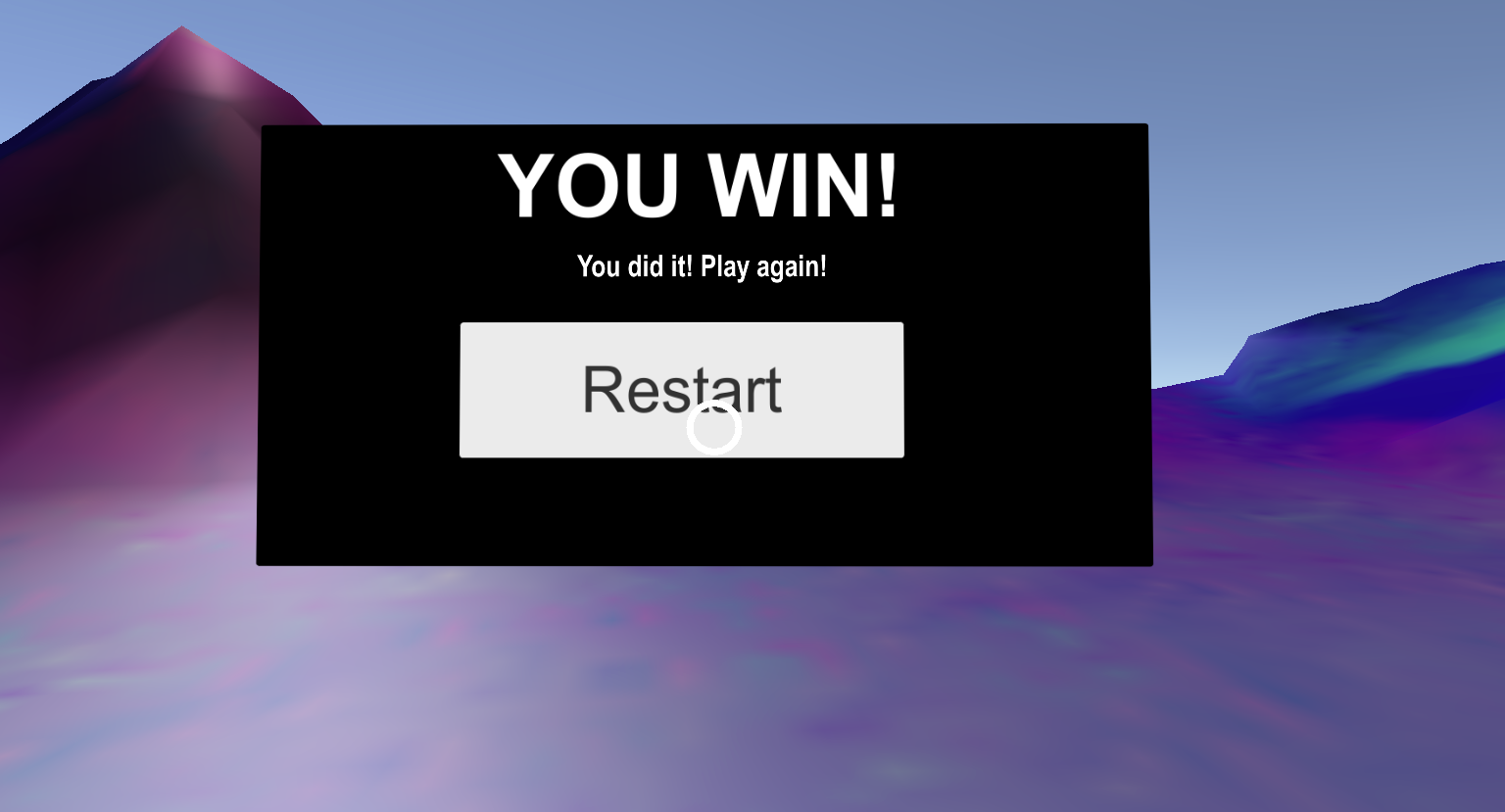
End/Restart:
The end of the game is after one successful attempt at the puzzle. After you're transported out of the dungeon, the sounds change back to light ambient noises and there's a big "you win!" sign in front of the player.
Conclusion
In conclusion, this project taught the importance of user testing and iteration. While developing games, it's hard to tell if simulator sickness occurs for a player. So, it's very valuable to pay attention to the user and the feedback after testing. That's what leads to a refined and well designed end product. Thorough and clear documentation is necessary to achieve the best end product as well.